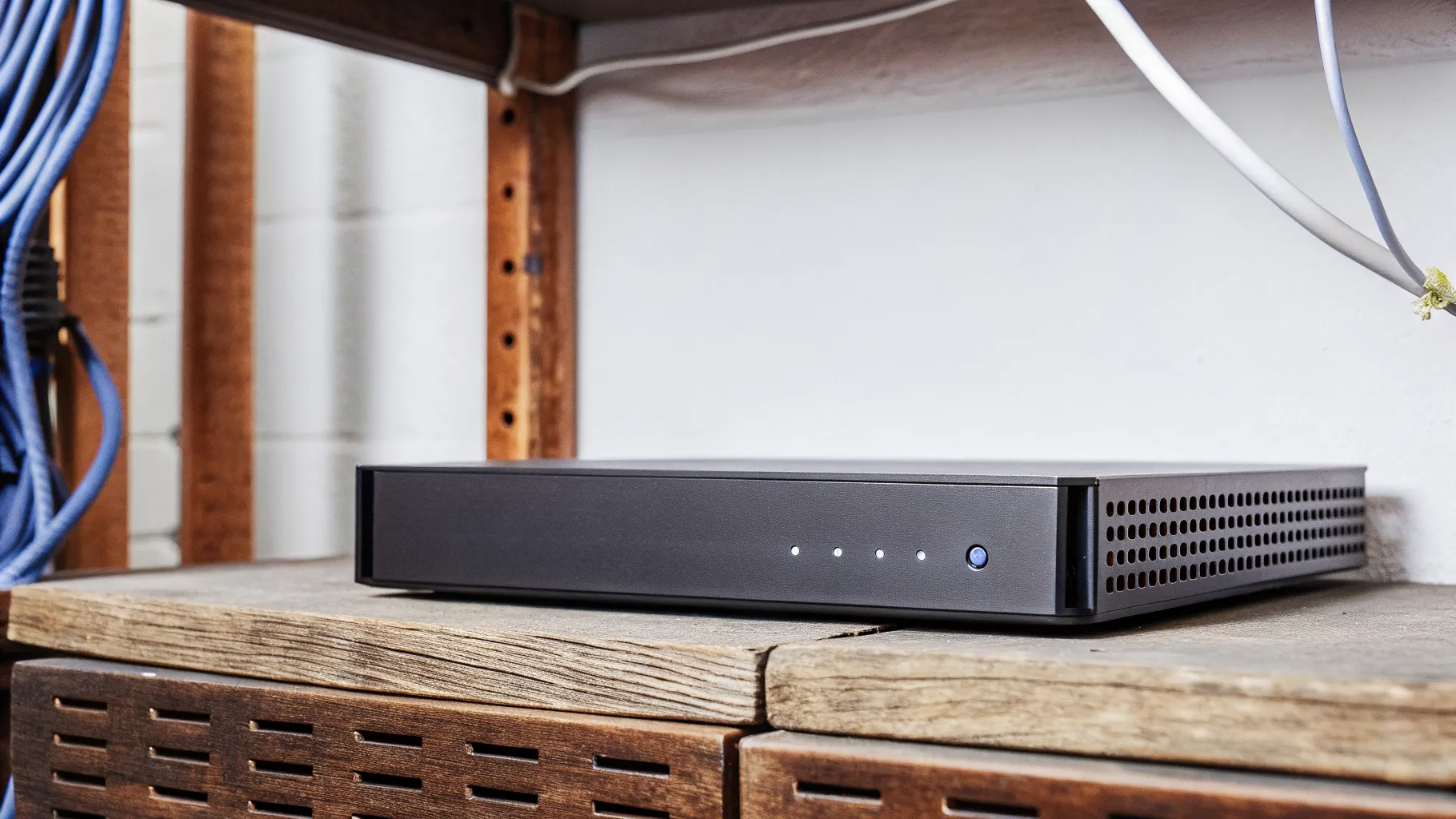
It depends on where the footage lives, and most building managers do not know until they ask. If the video is on a recorder in your IT closet, you keep it; the box stays, the vendor changes, and the only question is who holds the password. If the video is in a cloud account billed by the old vendor, the footage disappears when the subscription does, and the switch has to be planned around that. Hybrid systems, which are most of what has been installed in the past five years, are a little of each.
Here is how to find out which one you have, what to export before you cancel anything, and how to change providers without a dark week.
First, find out where the video is
Look at the camera system the way an insurer would. Is there a recorder, a box with hard drives, on your network? That is on-site storage. Do you log in to a web portal with the vendor's name on it to view clips, and is there a monthly charge per camera? That is cloud storage. Do you have both, with the recorder keeping full video and the cloud keeping clips or a mirror? That is hybrid.
The clearest tell is what happens when the internet goes down. An on-site recorder keeps recording. A pure cloud camera with no local card stops. A hybrid keeps recording locally and syncs when the connection returns. Why your cameras keep going offline and what it's costing you covers that failure mode in detail, and it is the same question in a different context.
On-site recorders: the footage is yours, the password may not be
If the video is on a recorder in the building, you own it. The old vendor has no claim to it and cannot remove it. What they may have is the only admin login. That matters because without it nobody can export footage, change retention settings or add a camera. Ask for the credentials in writing before the contract ends. If the vendor will not provide them, most commercial recorders can be reset by a technician who knows the platform, which clears the login and keeps the stored video. We do this on most takeovers; the security camera takeover post covers what else carries over.
The recorder itself usually stays. Cameras from the common commercial lines work with most recorders, and a new provider can service the system as it stands. The only reason to replace a recorder during a vendor change is age or capacity, which is a separate decision. Camera system upgrades: NVR replacement vs. full system replacement lays out when that makes sense.
Cloud cameras: export before you cancel
Cloud-native camera systems store video in the vendor's cloud, and the subscription is what keeps it there. Cancel and the footage goes with it, usually after a short grace period. The cameras themselves may also be locked to that platform; many cloud camera lines will not record to anything else, which turns a provider switch into a camera replacement.
Before giving notice, export anything you may need: incident clips, anything an insurer or attorney has asked about, and the retention window your policy requires. Most cloud portals allow bulk download; some charge for it or throttle it, so start early. Then plan the new system to be live before the old subscription ends, so there is overlap rather than a gap. Cloud vs. on-prem access control is about doors rather than cameras, but the ownership logic is the same and the post explains it plainly.
If the cameras are locked to the old platform, the new provider will price replacements. A camera-for-camera swap that reuses the cable runs $900 to $1,800 per camera installed, and reusing the cable is what keeps that number down. Security camera installation cost: what moves the number breaks it down.
Hybrid systems: usually the easiest switch
Most systems installed since about 2020 record locally and mirror to a cloud for remote viewing and offsite backup. The local recording is yours and stays. The cloud mirror is the vendor's and goes. The switch is a matter of pointing the recorder at a new cloud service, or at none, and keeping the local retention running throughout. Nothing is lost as long as the recorder is not touched during the transition.
Retention: the part insurers ask about
Whatever system you have, write down the retention period before and after the switch. Commercial policies and some leases specify a minimum, typically 30 to 90 days, and a gap during a vendor change is the kind of thing that surfaces at the worst time. If the new system cannot match the old retention on day one, say so to whoever needs to know. Liability risks of offline cameras explains why a gap matters more than most managers expect.
What the new provider should do on day one
Inventory every camera and its view. Confirm the recorder is recording, which it sometimes is not. Export and archive anything flagged as evidence. Reset or transfer admin credentials into the building's name. Set retention and confirm it. Then start on whatever was already broken, which on a system that has been neglected by a departing vendor is usually a few offline cameras and a night image nobody has looked at in a year. Why your cameras look bad at night and security camera repair cover the two most common findings.
A note on access control and alarms
The same vendor often holds the camera system, the door system and the alarm monitoring, and the three switch differently. Cameras follow the footage, as above. Access control follows the controllers and the admin login; can a new integrator take over your access control system covers that. Alarm monitoring follows the panel and the communicator, and the cutover is timed to the contract's notice date so the building is never unmonitored. Switching commercial security providers has the request list for all three, and system takeovers explains what we reuse.
The short version
On-site recorder: you keep the footage, get the password. Cloud cameras: export first, overlap the systems, expect some camera replacement. Hybrid: keep the recorder running and swap the cloud. In every case, write down retention and do not cancel anything until the new system is live. Buildings in Charlotte, Raleigh, Greensboro, Columbia and Atlanta can ask us to look at the system before giving notice; the survey tells you which of the three you have and what the switch will cost.