








Security & Life Integrations Inc

Keyless Entry Systems

A lost key is a problem until you rekey every lock it opens. A lost or deactivated keyless credential is a two-minute fix: pull it from the system and it stops working immediately, no locksmith, no waiting. For any property with staff turnover, tenant changes, or more than a couple of doors to manage, that difference adds up fast.

Contact US

Fobs, Mobile Credentials, and Biometrics, Compared

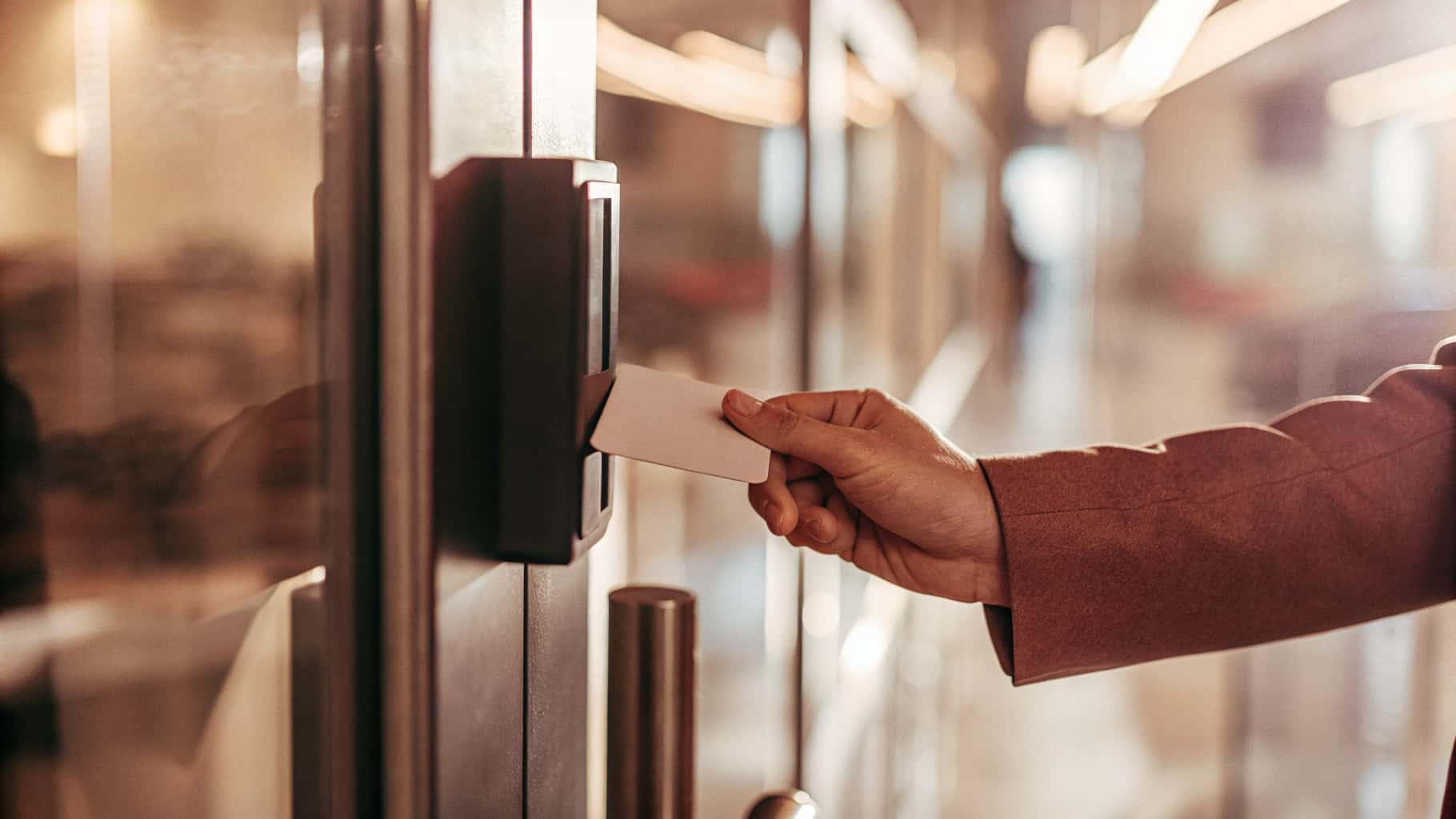
Key fobs and cards are still the right call for high-traffic entries, staff can badge in without breaking stride, replacing a lost one costs a few dollars in hardware, and provisioning a new one takes minutes. Mobile credentials put access on a phone your staff already carries, so there's one less physical item to lose or forget at home, though they need staff to have the app installed and their phone charged, which matters if someone's phone dies right as their shift starts. Biometric readers, fingerprint or facial recognition, remove the credential-sharing problem entirely: you know it was that specific person, not just that specific card, since a fob or code can be handed to someone else and a fingerprint can't.

Cost and speed trade off in a fairly predictable pattern. Fobs are cheapest per credential and fastest to badge through, which is why high-traffic entrances almost always stay on fobs even in buildings that go biometric elsewhere. Mobile credentials cost less in physical hardware but more in setup and support time. Biometric readers cost the most per door and read slightly slower than a fob tap, which is fine at a single server-room door or a medication room in an assisted living facility and a real bottleneck at a building's main entrance during a shift change.

Retrofitting Existing Card Readers

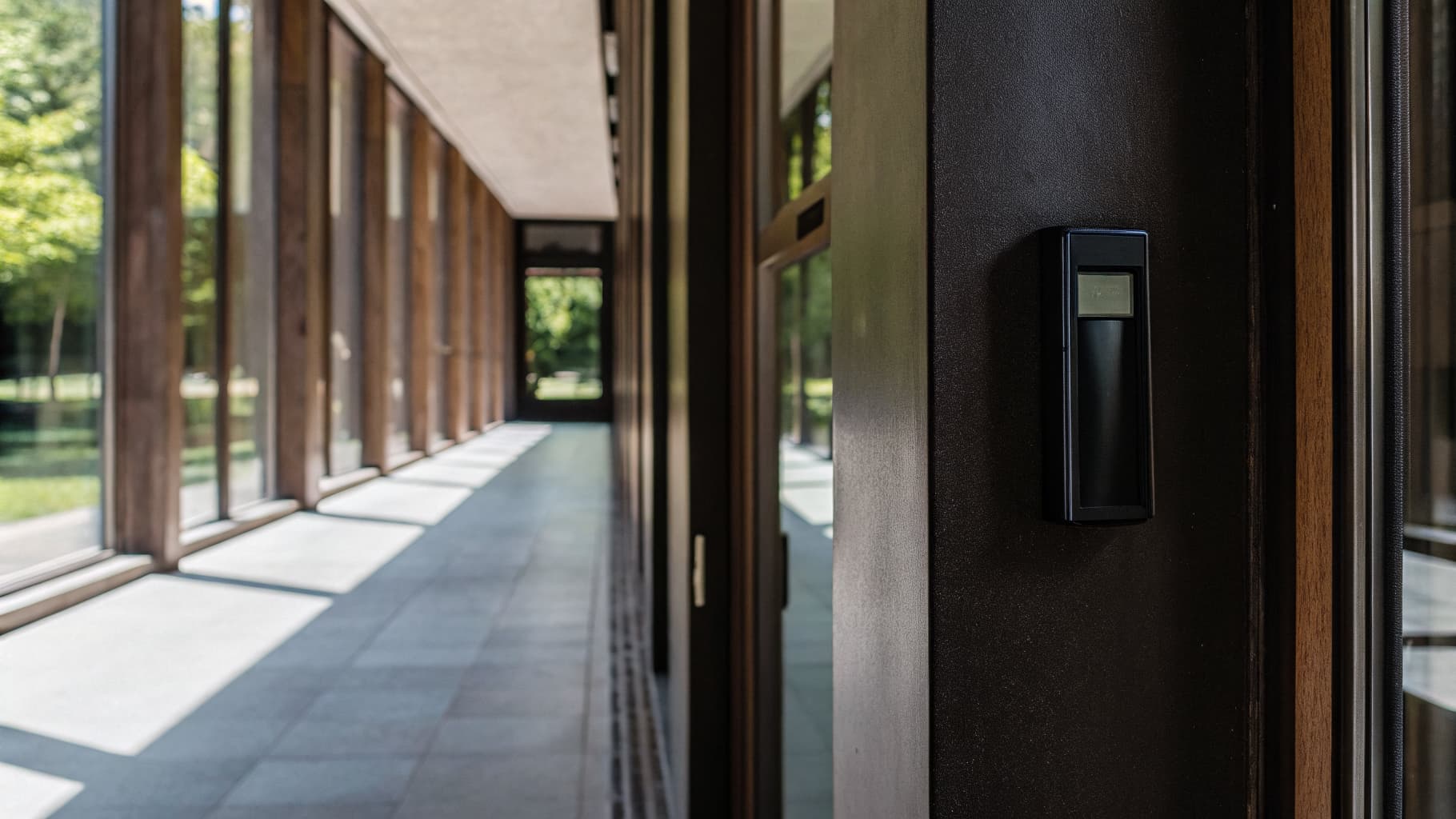
If your property already has card readers installed, going keyless doesn't have to mean replacing them door by door. We audit what's installed first, the same way our access control repair team approaches any inherited system. Often the existing reader hardware supports mobile or biometric credentials with a controller and software update, which costs a lot less than tearing out working equipment. Where the existing readers genuinely can't support what you're asking for, we'll say so and give you a real replacement cost instead of forcing an upgrade path that doesn't actually work. If the goal is dropping the on-site server along the way, that's a cloud access control migration, and it usually rides the same controller swap.

Fail-Safe, Fail-Secure, and Why That Choice Matters

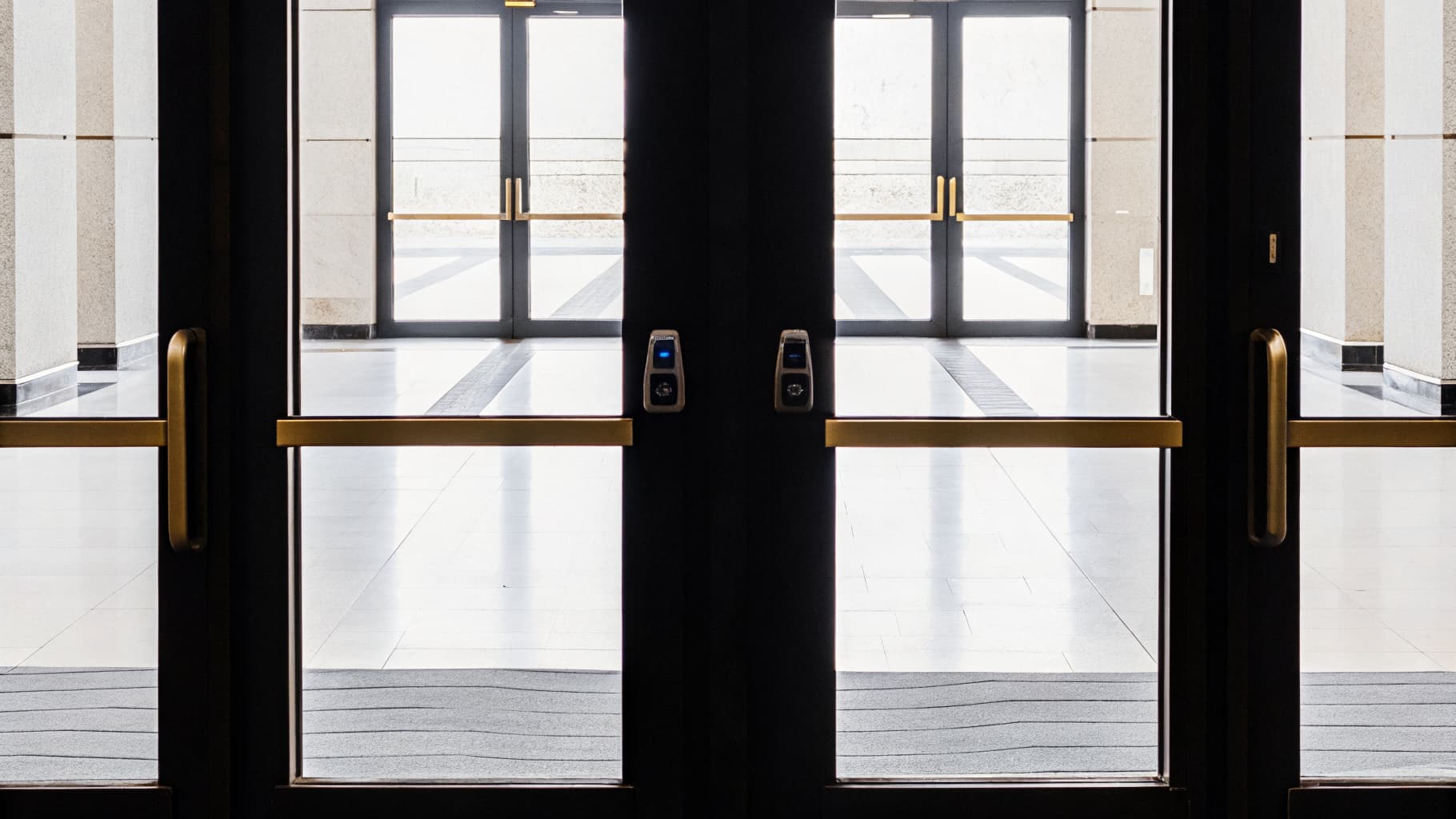
Every electronic lock has to be specified as fail-safe (unlocks automatically if power is cut) or fail-secure (stays locked if power is cut), and getting this wrong is a life-safety issue, not just an inconvenience. Doors on a required fire egress path generally need to be fail-safe, so people can get out during a fire even if the building loses power, while doors protecting something you never want unsecured, a server room, a cash room, are usually fail-secure. We specify lock type door by door based on what the fire code requires for that specific opening, not a blanket setting applied to the whole building.

This is also where keyless entry has to coordinate with your fire alarm system, not run independently of it. On a fire alarm activation, egress doors need to release automatically regardless of what the access control panel is doing. We test that interaction during installation, not just assume the two systems will talk to each other correctly.

A Rollout That Doesn't Lock Anyone Out

Switching a property to keyless entry in one weekend sounds efficient until someone's badge doesn't work Monday morning. We stage it door by door instead: new readers go in and get tested while the old locks stay functional, credentials get issued to your team before the old keys are deactivated, and only then does the switch actually flip. A single-building rollout usually runs a day or two depending on door count; a multi-building portfolio gets staged building by building so operations never stop.

Where Keyless Entry Gets Used Most

Not every door needs the same credential type. We mix and match based on how each entry actually gets used, sometimes alongside telephone entry or smart video entry at the main gate:

  • Main Entrances: High-traffic fob or card readers for speed during shift changes.

  • Server & Mechanical Rooms: Biometric or PIN-backed readers where credential sharing would defeat the purpose.

  • Resident Amenity Spaces: Mobile credentials for residents, tied to a lease term and revoked automatically at move-out.

  • Loading Docks & Service Entrances: Fob or code entry for delivery staff and contractors, with schedule-restricted access windows.

Part of a Larger Access Control System

Keyless entry is one piece of what your access control system can do. See the full audit-trail, remote credential management, and installer-lockout protections that come with every SLI access control install.

Common Questions

What happens to keyless entry doors during a power outage?

It depends on how the specific door is specified. Fail-safe doors unlock automatically when power drops, fail-secure doors stay locked. We assign this door by door based on fire code requirements and what that space is protecting, and every door has battery backup on the panel itself so the system doesn't just go dark the moment power drops.

Does a fire alarm affect keyless entry doors?

Required egress doors are configured to unlock automatically on a fire alarm activation, regardless of their normal access control settings. We test this integration during installation rather than assuming the two systems coordinate correctly on their own.

Can visitors or contractors get in without a permanent credential?

Yes. Temporary credentials, mobile passes, or scheduled access windows can be issued for a single day, a contractor's job length, or a recurring delivery window, then expire automatically without anyone having to remember to revoke them — the same lease-term logic behind our tenant room management systems.

How long does a keyless entry installation actually take?

A single building typically takes a day or two depending on door count, staged so existing locks stay functional until the new readers are tested. Multi-building portfolios get staged building by building so no property loses access mid-transition.

What happens if a resident or employee loses their phone with a mobile credential on it?

The credential gets deactivated from the system immediately, the same as a lost fob, and a new one gets issued to their replacement device. Nothing about losing the phone gives whoever finds it access to the building unless they can also unlock the phone itself.

Our Certifications & Associations

NC State Board of Examiners of Electrical Contractors seal

SP-FA/LV License

NC Board of Examiners of Electrical Contractors

North Carolina Department of Public Safety logo

NC Alarm Business License

NC Alarm Systems Licensing Board

North Carolina Department of Public Safety logo

Registered Alarm Technicians

NC Alarm Systems Licensing Board

South Carolina Law Enforcement Division seal

SLED Alarm Contractor License

South Carolina Law Enforcement Division

South Carolina Department of Labor, Licensing and Regulation logo

Burglar Alarm Contractor

SC Dept. of Labor, Licensing & Regulation

South Carolina Department of Labor, Licensing and Regulation logo

Fire Alarm Contractor

SC Dept. of Labor, Licensing & Regulation

NICET logo

NICET Level II

Fire Alarm Systems

$2M General Liability

Fully Insured

Brivo logo

Brivo

Manufacturer Certified

ButterflyMX logo

ButterflyMX

Manufacturer Certified

Bosch logo

Bosch Security Systems

Manufacturer Certified

Loved by Thousands of Organizations

Kesha Coley

I knew when I called and had a conversation with Donna that they would be a good fit to do business with. Donna and Zach was very friendly and responsive. I was switching from a different company and im so glad that I did. Zach came and installed a new security system for my business and was able to switch over my fire panel to meet county standards to stay in compliance. Zach was also able to switch my camera system to monitor. The transition process was smooth. Thank yall for helping us out at Brighter Minds Academy 2


Gianna

Zach with Security & Life Integrations did an awesome job with helping our new clinic set up the cameras and key fobs! He was also extremely friendly and helpful!

River Meadow

Zach, John and Omar have been simply amazing. We had a difficult fight getting our business off the ground and Security & Life helped us in every way they could. They’ve been outstanding in every way. They designed and installed dozens of cameras, ethernet ports and access control systems correctly the first time, they always answer immediately when we call and any issue we have is resolved almost immediately. We will never work with anyone else for security, fire or low voltage because you simply cannot improve on perfection.

Ruth Madrigal

I represent my company Superior Cabling Solutions, in some jobs I need to look for help from Zack my experience with him is great, he is a responsible, kind, punctual person and is an expert in his work. I recommend it 100 %.

Anto L

Zack was very nice and professional, he came as quickly as possible to resolve the issue with the doors and he was working in record time! I will definitely recommend him!

Donna Elliott

Security & Life integrations are the definition of reliability and professionalism. They communicate with precision, handle all challenges with expertise and consistently deliver results that exceed expectations.

Essa Faal

Great Experience from Start to Finish Zachary The installer arrived on time, completed the job efficiently, and made sure I understood how to use the system. The equipment is high quality, and the customer support has been great whenever I had questions. Couldn’t ask for better service.

Caya Stephens

Zach was absolutely amazing and had my system up and running in no time. It was a struggle trying to find a company that could assist me, from my initial phone call to Zach coming out this has been a great experience. I’m glad to have been able to find such a responsive company with a quick turn around. Zach I truly appreciate you and the knowledge you gave me. I’m good to go and back in business!

Stephen Faircloth

These folks do what they say they will do. I will recommend them to anyone needing the services they provide!!

Alexis Hasbrouck

Great service from Security & Life Integrations! They installed our fire and burglary alarms quickly and smoothly. Highly recommend!

Taylor Ridge

Zach and John have been amazing to work with getting switched over from ADT. Highly recommend and happy to be new customers!

Lucas Eckert

Amazing guys. John and zach are great guys and made the job seem easy. Never a mistake to choose these guys for the work.

bbrsales

SLI has been our go to fire alarm provider for years. We are very happy with their service and they even keep up with our fire alarm inspections to ensure we are in compliance. Highly Recommended…

Sparky FXSTI

Security & Life Integrations has been my preferred trusted partner of choice for all of my security needs. From the front office to the installation techs, the engaged team is very refreshing to work with for all of our needs from an industrial, warehouse, office standpoint.

Kyle Renner

Security & Life Integrations took over an existing security camera system we had onsite and I am extremely happy with the quality of the work!

Reilly Williams

Super happy with the quality of our security alarm system and cameras that they installed at both my home and business. I highly recommend. Their professionalism and service is unmatched.

Sam Maxwell

Great company to work with! I am very happy with the security cameras that they installed at our property. They are very quick to help pull footage and provide service when needed.