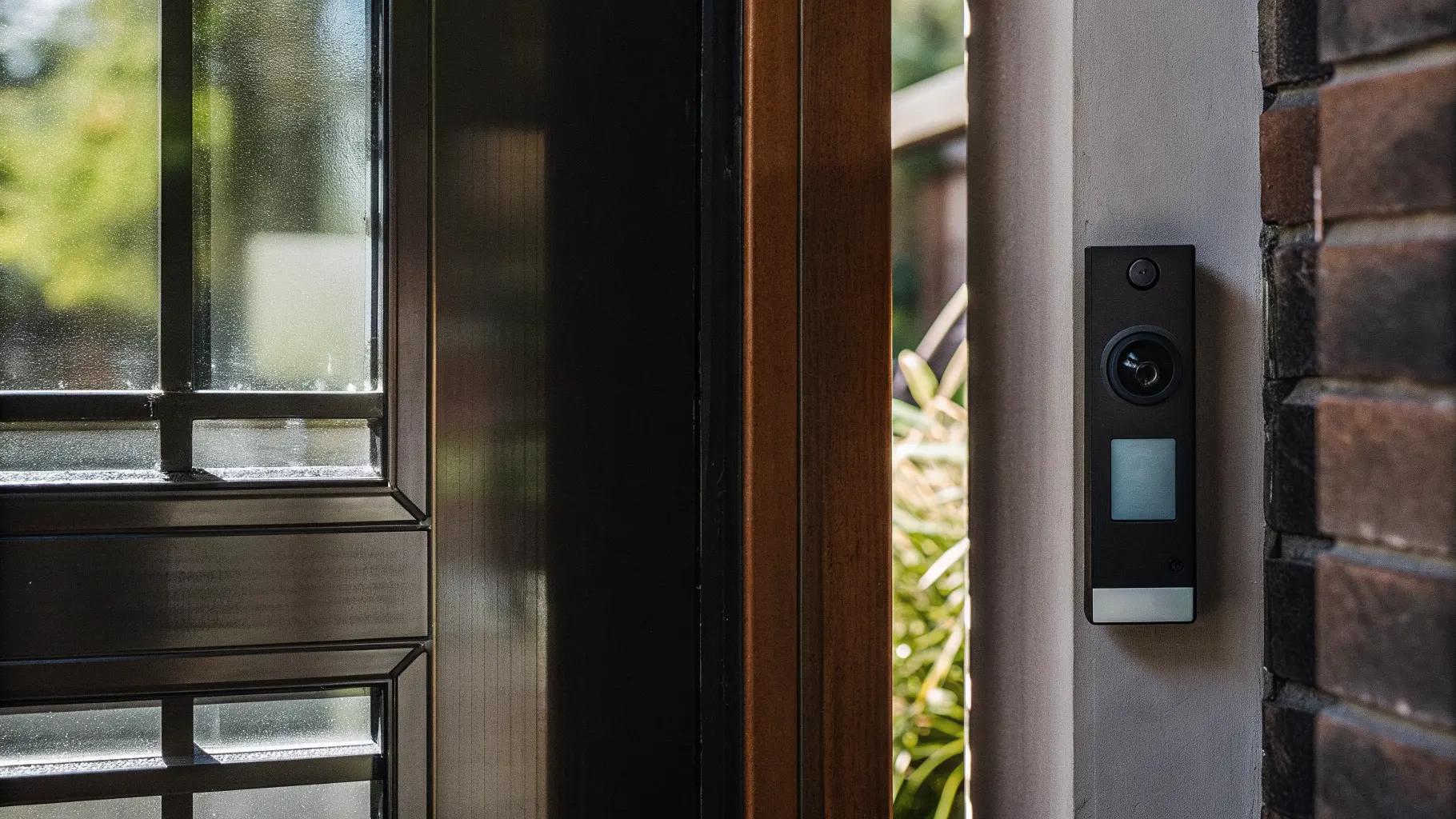
The request usually arrives the same way. An office manager or a clinic administrator wants to keep the lobby door locked and still see who is standing outside, and the phrase that comes to mind is "video doorbell," because that is what is on their own front porch. The question is whether the thing on the porch is the right tool for a commercial door. For a one-person office with no need to unlock remotely, sometimes. For nearly everything else, the doorbell runs out of features within a week.
This is where the line falls, and what the commercial version costs.
What a consumer video doorbell does
It rings one phone, or a handful of phones on a family account. It records to a personal cloud subscription in someone's name. It has no relay to unlock a door. It depends on the building's Wi-Fi and a residential app. For a single-tenant office where the owner is the only person who answers, and the door is opened by walking over to it, that can be enough, and we will install a commercial-grade door station in that role rather than a consumer unit so the account and the footage belong to the business.
Where it runs out
The first time a second person needs to answer, the doorbell is in trouble. The first time the receptionist is at lunch and the delivery has to reach the back office, it has failed. The first time someone needs to release the door from the desk instead of walking to it, it cannot. The first time an after-hours call needs to go to an on-call phone instead of the owner's, it will not. Add a second suite, a shared lobby, or a clinic with a locked waiting room, and the doorbell is the wrong category of product.
What a video intercom does differently
A commercial door station rings a desk console during business hours and an on-call phone after. Any authorized person can answer, see the visitor, talk, and release the door with a tap, because the intercom is wired to the same electric strike or maglock the access control uses. Every call and every release is logged with a snapshot. The footage goes into the building's recorder with the rest of the camera system, under the business's account. Multi-tenant buildings get a directory so each suite answers its own calls. The video intercom systems page covers the hardware; the smart video entry page covers the cloud-managed version for apartment lobbies.
The clinic case
Medical and dental offices in Raleigh, Charlotte, and the Triad are the most common source of the doorbell request, and the reason is specific. The waiting room door needs to stay locked, reception needs to see who is there before releasing it, and the front desk is sometimes empty. A single-button door station at the entrance, a desk app at reception, and routing to the office manager's phone when the desk does not answer solves it. Pair it with a panic button under the counter and the front desk has both the screening and the duress tool in one install. The doctors' office security page covers the rest of the building.
The office suite case
Small professional offices in shared buildings have a related problem: the suite door is locked, the building lobby is not, and deliveries and clients arrive while everyone is in a meeting. A door station at the suite door that rings the desk and a designated phone, with remote release, handles it. In a building with several suites, a lobby intercom with a directory replaces the paper sign taped to the door. Access control for a small business covers how the intercom fits the rest of the system.
What it typically costs
A commercial door station with a desk console, after-hours phone routing, and an electric strike on the door typically runs $1,800 to $3,500 installed for a single entrance. A multi-tenant lobby intercom with a directory and per-suite answering runs $3,500 to $8,000 depending on suite count and mounting. A consumer video doorbell costs a few hundred dollars and cannot open the door. Those are typical figures; the entrance walk sets the real number. Offices and clinics in the Carolinas and Georgia can get an entrance quote, and the Raleigh access control and Charlotte access control pages cover local permitting.
Installation details that decide whether people like it
Camera height set for a face, not a forehead. Lighting at the entrance so the night image is useful. Loud, clear audio over street noise. Weather protection on exterior units. A release button on the desk console that does not require unlocking a phone. None of it is exotic, and all of it is the difference between a system staff use and one they prop the door open to avoid. Smart intercom with facial recognition covers the higher end for small properties that want staff recognized automatically.