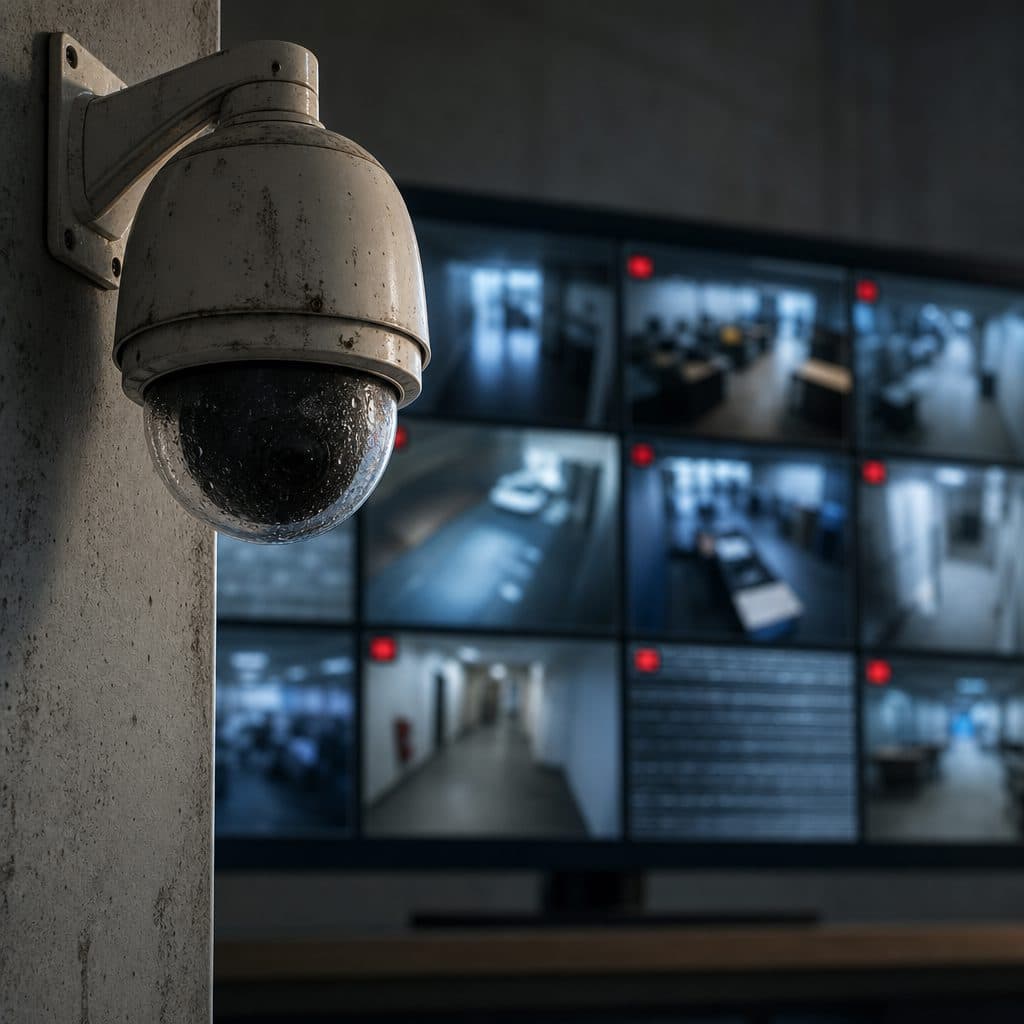
Common CCTV Problems Businesses Should Not Ignore
For many businesses, CCTV is treated as a set and forget system. Cameras are installed, a recorder is placed, and everyone assumes the footage will be usable when something happens. The problem is that video security fails quietly. A camera may still show a picture while missing critical detail, a recorder may appear healthy while overwriting too soon, and remote access may work for one manager but not for the people who need it during an incident.
This article explains the CCTV problems businesses should not ignore, why they happen, and what to do before they become evidence gaps, safety issues, or operational delays. Use it as a practical inspection guide for offices, warehouses, retail stores, restaurants, schools, clinics, and multi site operations that depend on video every day.
 Routine CCTV reviews help businesses find silent failures early.
Why Small CCTV Issues Become Big Business Problems
A CCTV issue is rarely just a technical nuisance. It affects how quickly a team can verify a complaint, review a delivery dispute, investigate a break in, or understand an employee safety incident. If the problem is found only after footage is requested, the business has already lost time and possibly the best evidence available.
Most failures come from predictable causes: poor placement, aging equipment, weak network design, skipped maintenance, inadequate storage planning, and unclear user procedures. None of these require panic. They require a repeatable process for testing, documenting, and correcting the system before an incident exposes the weakness.
💡 Tip: Review CCTV performance during normal business conditions and after hours. A camera that looks fine at noon may fail to capture faces, plates, or movement at night.
Common CCTV Problems to Check First
Start with the problems that most often affect evidence quality and system availability. The signs below are easy to miss because the system may still appear to be running.
Blurry or Low Detail Video
Dirty lenses, weak focus, low resolution, or excessive digital zoom can make footage useless. Clean lenses, confirm focus, and test whether faces or key objects are recognizable.
Wrong Camera Angles
Cameras aimed too high, too wide, or toward bright light may miss the actual event. Recheck views after furniture, shelving, signage, or workflow changes.
Poor Night Performance
Glare, weak infrared coverage, and low contrast can hide motion after hours. Test cameras in darkness, not only during daytime commissioning.
Recorder Storage Gaps
Storage may be too small, drives may be aging, or recording schedules may be wrong. Verify retention by searching real footage from several past dates.
Remote Access Failures
Mobile viewing can fail after password changes, app updates, or network changes. Confirm authorized users can connect securely before they need urgent footage.
Incorrect Time and Date
Wrong timestamps complicate investigations and make clips harder to compare with alarms, access control, or sales records. Synchronize devices and check time zones.
Image Quality Problems That Hide Important Details
Image quality is the first thing people notice, but it is also the easiest to misjudge. A picture can look acceptable on a phone screen and still fail when you zoom in for a face, badge, cash drawer, vehicle, or product label.
Common causes include dirty domes, sun glare, reflections from glass, vibration, moisture, spider webs, low bandwidth settings, and compression set too aggressively. In some cases, the camera is not defective; it is simply the wrong model or lens for the distance and lighting.
Recommended actions
- Clean lenses and housings on a planned schedule, especially in dusty, humid, or exterior locations.
- Review live video on a full size monitor, not only on a mobile app.
- Capture test clips at entrances, transaction points, loading areas, and parking lanes.
- Adjust aim, focus, exposure, and infrared settings after layout or lighting changes.
- Replace cameras that cannot deliver usable detail for the risk area they cover.
 Testing cameras in real conditions reveals gaps before incidents occur.
Recording, Storage, and Playback Problems
A camera system only protects the business if footage is recorded, retained, and easy to retrieve. Many organizations discover storage problems when they attempt playback and find missing hours, corrupted clips, or footage overwritten sooner than expected.
Storage planning depends on camera count, resolution, frame rate, motion level, compression, recording schedule, and retention goals. Because these variables change over time, storage should be reviewed whenever cameras are added, settings are changed, or the business expands.
What to verify
- Search footage from yesterday, last week, and the oldest date the system should retain.
- Export a short clip and confirm it plays on a standard business computer.
- Check drive health alerts and replace failing drives before total loss.
- Confirm recording schedules cover weekends, holidays, deliveries, and closed hours.
- Document who is allowed to export footage and where exported files are stored.
💡 Tip: Do not assume motion recording is capturing everything. Test slow movement, distant movement, and activity in low light, because motion detection settings can miss subtle events.
Network and Remote Viewing Issues
Modern CCTV often depends on the business network. That creates convenience, but it also introduces failure points. A camera may drop offline because of a weak switch, damaged cable, overloaded network, address conflict, firmware issue, or power problem.
Remote access deserves special attention. If remote viewing is unreliable, leaders may not see an incident quickly, and the team may waste time searching for passwords, apps, or recorder settings. Access should be secure, limited to authorized users, and tested regularly.
Practical checks
- Confirm every camera is online after power outages and internet service changes.
- Label cables, switch ports, recorders, and power supplies so faults can be traced faster.
- Use strong, unique passwords and remove access for former employees promptly.
- Keep firmware current after reviewing compatibility and backup options.
- Coordinate CCTV changes with the person or provider responsible for the network.
Placement Problems in Entrances, Parking Areas, and Work Zones
Camera placement determines whether the system answers business questions. An entrance camera should not merely show that someone entered; it should capture a usable view of the person. A parking camera should not simply show cars; it should support recognition of movement, direction, and relevant details when conditions allow.
Problems appear when cameras are installed without considering height, distance, lighting, traffic flow, blind spots, privacy expectations, and future changes. A camera mounted for a wide overview may be useful for context, but it should not be the only camera covering a high value transaction or restricted area.
Recommended placement review
- List the decisions footage must support, such as identity, direction, possession, or timing.
- Walk each area during opening, closing, peak activity, and after dark.
- Use overview cameras for context and closer cameras for critical detail.
- Review views after remodeling, new displays, parked vehicles, or seasonal lighting changes.
- Document blind spots and decide whether to accept, reduce, or eliminate each one.
Maintenance Problems That Shorten System Life
CCTV equipment operates continuously, often in heat, cold, dust, vibration, and changing light. Without maintenance, small problems accumulate. Fans clog, drives wear, housings loosen, seals fail, cable ends corrode, and camera views drift as buildings and operations change.
A simple maintenance plan is more effective than occasional emergency repair. The plan should define inspection frequency, responsible people, cleaning tasks, test procedures, replacement triggers, and documentation. For businesses with multiple locations, consistency matters more than complexity.
Maintenance checklist
- Inspect camera views and compare them with the approved layout.
- Clean lenses, domes, housings, and nearby surfaces that cause glare.
- Check recorder storage, drive health, fan noise, and system alerts.
- Test playback, exports, remote viewing, and user permissions.
- Record findings, corrections, dates, and remaining risks.
Security and Access Control Mistakes Around CCTV
CCTV is a security tool, but the system itself must also be protected. Shared passwords, unused accounts, exposed equipment, unlocked recorder rooms, and uncontrolled exports can create avoidable risk. Good video is valuable, so access to it should be managed carefully.
Businesses should decide who can view live video, who can search recorded footage, who can export clips, and who can change settings. These permissions should match job duties. When roles change, access should change too.
💡 Tip: Keep an access log or internal record for exported footage. Note the date, reason, person handling the file, and where the copy is stored.
Common mistakes to avoid
- Using one shared login for everyone.
- Leaving default usernames or weak passwords in place.
- Allowing former staff to keep app access.
- Storing exported clips on personal devices without a business process.
- Letting unauthorized vendors, visitors, or tenants view footage.
Step by Step CCTV Health Check for Businesses
Use this checklist quarterly, after major site changes, and whenever an incident reveals a weakness. The goal is not to blame the system. The goal is to confirm that every camera, recorder, user, and process still supports the business.
- Define the risks. List entrances, exits, cash areas, inventory zones, loading points, parking areas, and sensitive workspaces.
- Confirm camera purpose. Mark each camera as identity, overview, transaction, safety, process review, or deterrence support.
- Test image quality. Review live views and saved clips for focus, glare, motion blur, night performance, and blocked views.
- Test recording. Search multiple dates, export a clip, and confirm the file plays outside the recorder interface.
- Test access. Verify approved users can log in, and unapproved users cannot.
- Review storage. Compare actual retention with business expectations and adjust settings or capacity when needed.
- Document corrections. Record what was found, who fixed it, and when it should be checked again.
✅ Result: A documented health check gives owners and managers confidence that the system is working today, not just that it was installed years ago.
How to Recover When CCTV Has Already Failed
If an incident has already occurred and footage is missing or poor, move methodically. Do not change settings, reboot equipment repeatedly, or overwrite logs before you understand the problem. Preserve what is available first, then troubleshoot.
Start by exporting any relevant clips that still exist. Note the recorder time, the actual time, camera names, and any visible gaps. If the recorder shows errors, photograph or record those messages for internal reference. Then check power, network status, storage health, and camera connections.
After the immediate response, decide whether the failure was a one time fault, a design issue, a maintenance gap, or a user process problem. The recovery plan should include both technical repair and procedural changes, such as clearer export instructions or scheduled reviews.
Avoid these recovery mistakes
- Assuming one failed camera means the rest are fine.
- Replacing equipment before confirming cable, power, storage, and network causes.
- Changing retention settings without understanding storage tradeoffs.
- Waiting for another incident before scheduling a full review.
- Failing to tell staff how to report camera problems.
A Short Decision Framework for CCTV Improvements
Use three questions to prioritize action. First, does the problem affect a high risk area, such as an entrance, cash point, inventory room, loading dock, or parking area? Second, does it reduce evidence quality, retention, or access during an incident? Third, is the fix simple, such as cleaning, aiming, labeling, permissions, or storage review?
If the answer to any question is yes, address it promptly. If several issues compete for budget, protect identity capture, recording reliability, and secure retrieval first. Enhancements are useful, but basics decide whether footage can answer the question that matters.
Need a Practical CCTV Review?
Security and Life Integrations can help you evaluate camera coverage, recording reliability, remote access, and maintenance priorities with a practical business focused approach. If your CCTV system has not been reviewed, make the next step simple: schedule a walkthrough, test real footage, and turn hidden problems into a correction plan before the next incident forces a rushed and expensive response for your team confidently today.
Request a Review