
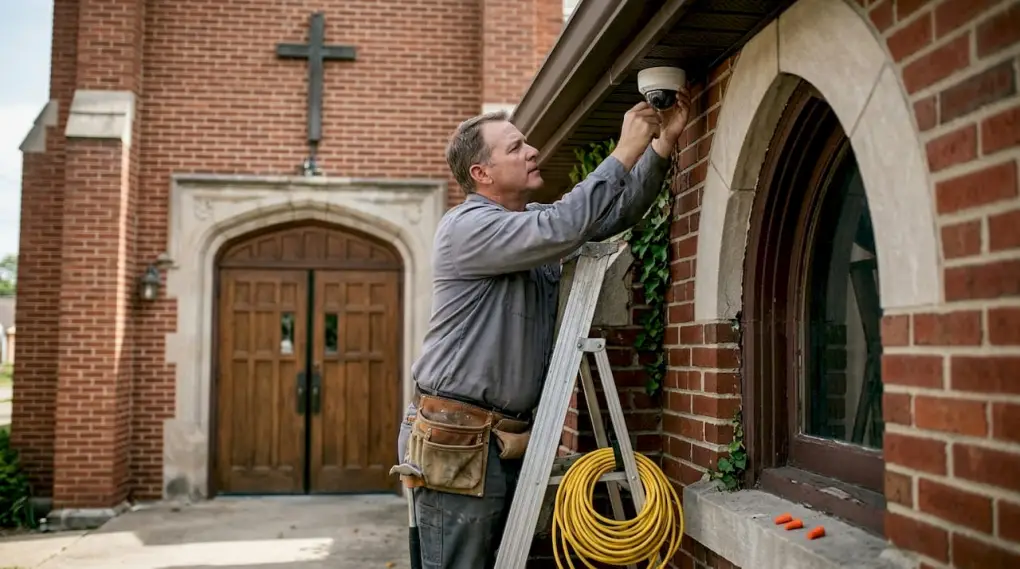
Church security incidents have risen sharply in recent years, with 841 attacks recorded in 2024 alone. That number reflects a real and growing threat that church leaders can no longer afford to ignore. Surveillance cameras are one of the most effective tools available to deter crime, support law enforcement, and protect your congregation. This guide walks you through every step of the process, from assessing your facility to training your staff, so you can install a system that actually works.
Table of Contents
- Assessing your church’s security needs
- Choosing the right camera types and technology
- Legal and ethical considerations for surveillance
- Installation process: Step-by-step guide
- Verification, maintenance, and staff training
- Get expert help with church security
- Frequently asked questions
Key Takeaways
| Point | Details |
|---|---|
| Prioritize key areas | Entrances, exits, parking lots, and children’s areas must be covered to maximize safety. |
| Select appropriate camera types | Match bullet, dome, or wireless cameras to your church’s physical layout and security needs. |
| Comply with privacy laws | Install surveillance only in public areas and never in places where privacy must be preserved. |
| Maintain for effectiveness | Regular maintenance and staff training ensure cameras deter crime and aid response. |
| Seek funding support | Apply for grants like NSGP to offset costs and build a robust church security system. |
Assessing your church’s security needs
Before you buy a single camera, you need to understand where your church is most vulnerable. A site security assessment is the process of walking your entire property and identifying weak points, blind spots, and high-risk zones. You can do this yourself or bring in a professional. A site assessment for vulnerabilities gives you a clear picture of what needs coverage and what does not.
Prioritizing placement is the most important outcome of your assessment. Camera placement zones to cover first include:
- Main entrances and exits
- Parking lots and exterior walkways
- Lobbies and reception areas
- Hallways and stairwells
- Children’s ministry rooms and nurseries
- High-value areas like offices and storage rooms
There are also areas where cameras must never go. Restrooms, counseling rooms, changing areas, and prayer rooms are off-limits. Placing cameras in those spaces violates privacy laws and breaks the trust of your congregation.
Pro Tip: Walk your property at night as well as during the day. Lighting gaps you miss during daylight hours often become serious blind spots after dark.
| Evaluation method | Best for | Cost |
|---|---|---|
| DIY walkthrough | Small churches with simple layouts | Low |
| Professional assessment | Large or multi-building campuses | Moderate to high |
| Hybrid approach | Mid-size churches with some complex areas | Moderate |
If you are unsure where to start, connecting with church security services can help you get a professional evaluation without guesswork.
Choosing the right camera types and technology
Once you’ve mapped out where cameras will go, the next step is to select the right equipment for each location. Not all cameras perform the same way in every environment, and choosing the wrong type can leave gaps in your coverage.
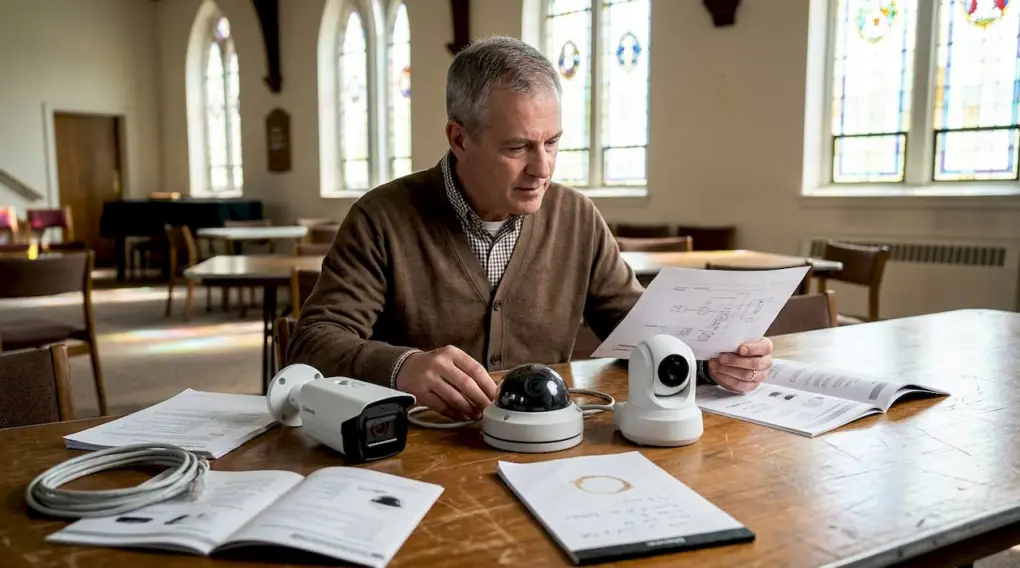
Here is a breakdown of the most common camera types and where they work best:
| Camera type | Best location | Key advantage |
|---|---|---|
| Bullet camera | Outdoor perimeter, parking lots | Long-range visibility |
| Dome camera | Indoor hallways, lobbies | Discreet, wide angle |
| Fisheye camera | Large open rooms, sanctuaries | 360-degree coverage |
| PTZ (pan-tilt-zoom) | Large outdoor areas | Remote directional control |
Beyond camera type, the specs matter just as much. HD resolution, night vision, motion detection, and weatherproofing are the four features you should treat as non-negotiable for any church installation. A camera that cannot record clear footage at night or in rain is not doing its job.
Modern systems also offer AI-powered features worth considering. AI object detection and people counting reduce false alarms and help staff focus on real threats rather than chasing down irrelevant motion alerts. For churches with multiple campuses, these analytics tools make it possible to monitor activity across locations from a single dashboard.
Pro Tip: For churches with historic architecture, look for cameras with compact, low-profile designs. Wireless models are especially useful when drilling through original walls or ceilings is not an option.
If you want to explore options built for institutional settings, advanced camera solutions can be configured to match your specific facility layout and budget.
Legal and ethical considerations for surveillance
Before you purchase or install, it is important to understand your legal responsibilities for surveillance in a church. Getting this wrong can expose your organization to liability and damage your relationship with your congregation.
The general rule is straightforward. Cameras are allowed in public-facing areas of your church, but you must comply with privacy laws and post visible signage notifying people that surveillance is in use. Areas where people have a reasonable expectation of privacy are off-limits.
Here is a quick reference list for legal compliance:
- Post clear signage at all entrances where cameras are active
- Never install cameras in restrooms, locker rooms, or counseling spaces
- Disable audio recording unless you have confirmed legal clearance
- Store footage securely and limit access to authorized personnel only
- Set a written video retention policy (typically 30 to 90 days)
- Review your policy annually as laws change
Audio recording laws vary significantly by state. Some states require all parties to consent before audio can be recorded. Check your local, state, and federal requirements before enabling any audio feature on your system.
A written camera policy is not optional. It protects your church legally, sets clear expectations for staff, and demonstrates accountability to your congregation. Document who has access to footage, how long it is stored, and under what circumstances it can be reviewed or shared.
Installation process: Step-by-step guide
Now, with a clear plan, camera selection, and compliance in mind, you are ready to install your cameras step by step.
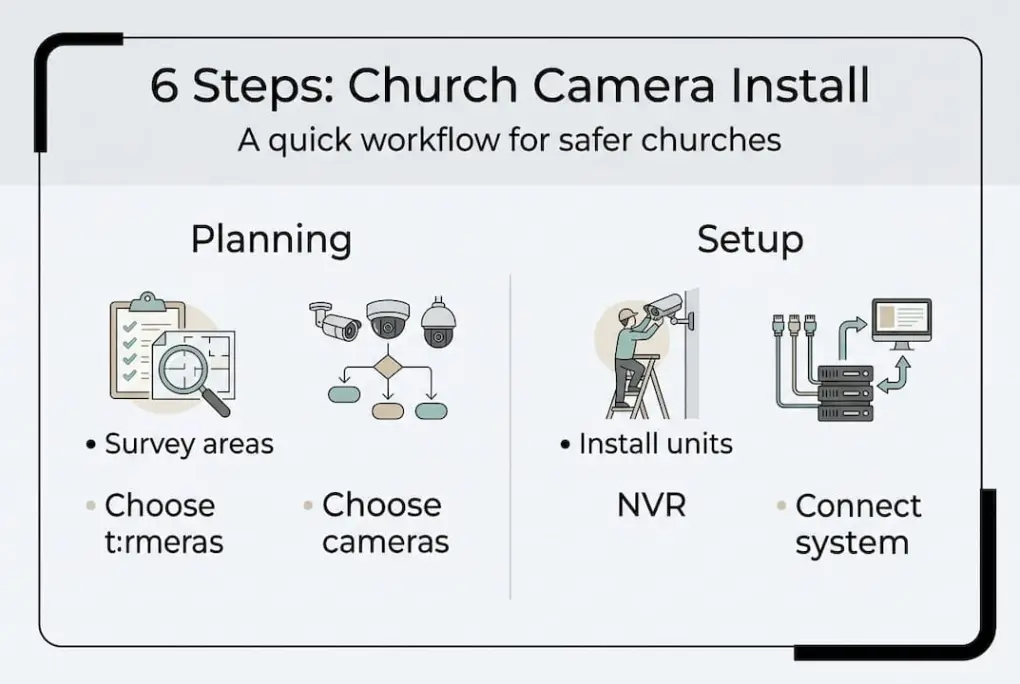
- Gather your materials. Collect all cameras, mounting hardware, cables or wireless receivers, a network video recorder (NVR) or digital video recorder (DVR), and your site plan. Confirm power source locations for each camera position.
- Mark your mounting points. Use your site assessment map to mark exact positions on walls, ceilings, and exterior surfaces. Confirm each position gives you the field of view you planned.
- Run cables or set up wireless access points. For wired systems, PoE (Power over Ethernet) wiring delivers both power and data through a single cable, which simplifies installation. For historic buildings or spaces where running cable is not practical, wireless cameras connect over your existing network.
- Mount and connect each camera. Secure cameras at the marked positions, connect cables or pair wireless units, and confirm each camera powers on correctly.
- Test coverage before finalizing. Walk through each camera’s live feed and physically walk the area it covers. Look for blind spots, obstructions, and lighting issues. Adjust angles as needed.
- Integrate with alarms and access control. Connect your camera system to your existing alarm panels and access control systems. This allows cameras to trigger recording automatically when an alarm is activated, giving you event-linked footage.
Pro Tip: Label every cable at both ends during installation. It takes a few extra minutes now but saves hours of troubleshooting later when you need to identify a specific camera feed.
Verification, maintenance, and staff training
After installation, ongoing verification and maintenance protect your investment and ensure continuous safety. A camera that has not been checked in six months may have a dirty lens, outdated firmware, or a failed hard drive, and you would not know until you needed the footage.
Here is what a solid maintenance routine looks like:
- Test footage monthly. Pull recordings from each camera and confirm image quality, timestamps, and coverage angles are correct.
- Clean lenses quarterly. Dust, spider webs, and moisture buildup degrade image quality over time, especially on outdoor cameras.
- Update firmware regularly. Camera manufacturers release security patches and performance updates. Keeping firmware current reduces the risk of system vulnerabilities.
- Check storage capacity. Confirm your NVR or cloud storage has enough space to retain footage for your full retention period.
- Inspect mounts and housings. Outdoor cameras take weather exposure year-round. Check for loose mounts, cracked housings, or water intrusion.
Staff and volunteer training is equally important. Your system is only as effective as the people monitoring it. Train designated staff on how to access live feeds, pull recorded footage, and report incidents. Run a brief annual refresher to keep procedures current.
Pro Tip: Designate one person as your security system point of contact. That person owns the maintenance schedule, training records, and vendor relationships. Shared responsibility often means no one takes ownership.
Funding is a real concern for many churches. The Nonprofit Security Grant Program (NSGP) is a federal grant that helps nonprofit organizations, including churches, pay for security equipment and installation. Check FEMA’s website for current application cycles and eligibility requirements.
Working with church security experts can also help you identify additional funding sources and ensure your system meets grant compliance standards.
Get expert help with church security
Installing a surveillance system is a significant step toward protecting your congregation, your staff, and your property. But getting the placement, equipment, and integration right requires more than a checklist.
Security & Life Integrations provides church security solutions that cover video surveillance, access control, and fire safety in one coordinated system. We work with church leaders and administrators to assess your facility, recommend the right equipment, and handle installation from start to finish. Our team offers 24/7 support and ongoing maintenance so your system stays current and effective. If you are ready to move forward with a system built for your specific facility, reach out to us for a consultation.
Frequently asked questions
Are surveillance cameras legal in churches?
Yes, cameras are legal in public church areas, but privacy laws restrict placement in private spaces like restrooms and counseling rooms. Always post visible signage where cameras are active.
How many cameras should a church install?
Install cameras at all entrances, exits, parking lots, high-value zones, and areas with children for complete coverage. The exact number depends on your facility size and layout.
Can churches use audio recording on surveillance systems?
Audio recording requires legal clearance and consent. Consent rules vary by state, so check your local, state, and federal laws before enabling audio on any camera.
What types of cameras are best for historic churches?
Wireless cameras are the best option for historic churches because they avoid the need for drilling through original walls or structural elements during installation.
What funding sources are available for church security equipment?
Churches can apply for the Nonprofit Security Grant Program (NSGP) through FEMA to help cover the cost of cameras and related security equipment.